VIP8 adds
Extra Premium time to an eligible paid plan.
Referral code for registration
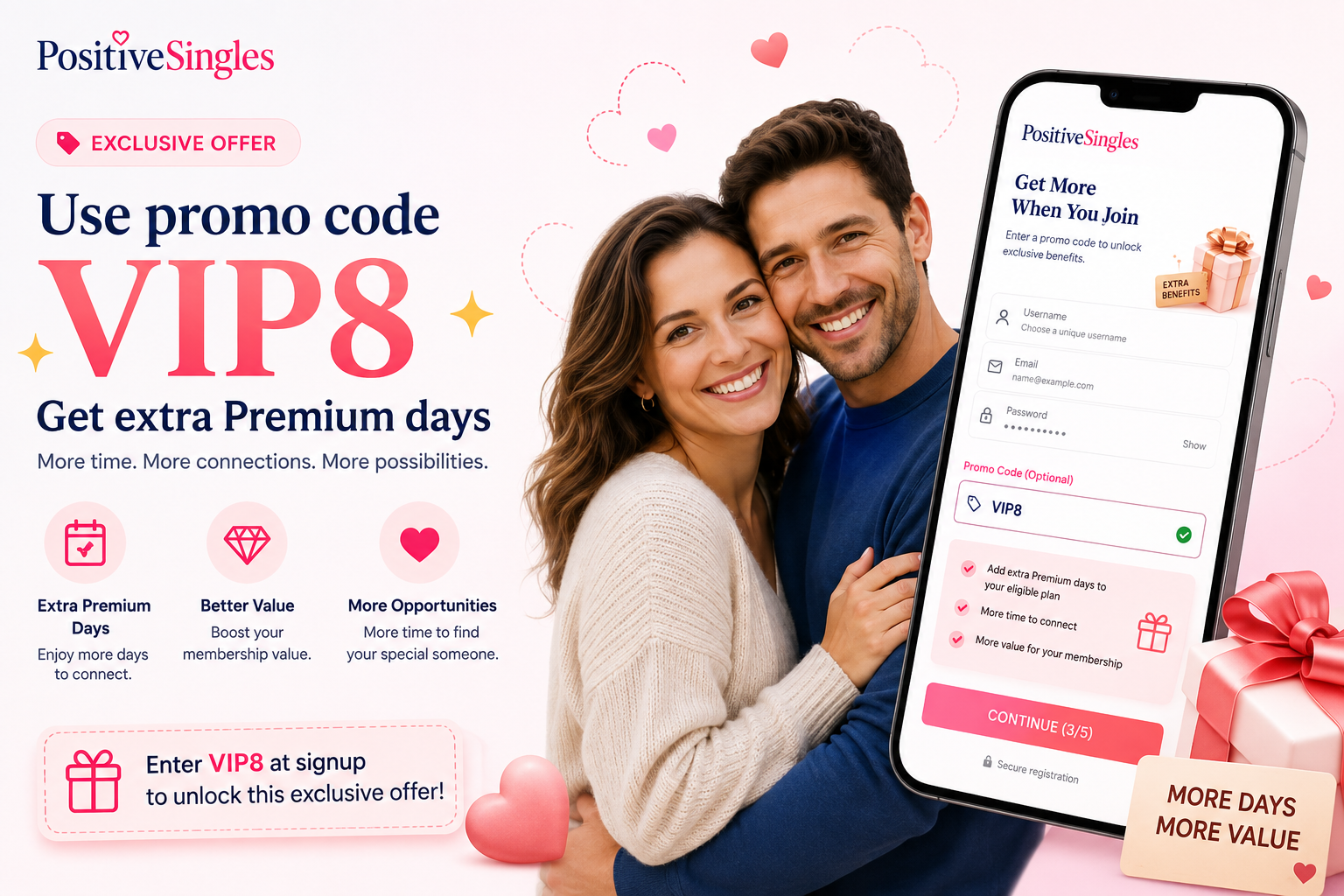
Copy VIP8 and enter it in the optional referral-code field during registration. VIP8 adds extra Premium days to an eligible paid purchase rather than reducing the listed plan price.
Know what the code changes
Extra Premium time to an eligible paid plan.
A lower checkout price or a no-purchase free trial.
Use the code before checkout
The referral field appears before the purchase step. Add the code there, then review the benefit attached to your plan.
Complete the account details requested by the service.
Paste VIP8 into “Referral Code (Optional)” without adding spaces.
Finish the account step after the code has been entered.
Confirm the plan, total price, renewal details and VIP8 bonus before paying.
Check the full price before you pay
Prices are shown in US dollars. Compare the complete plan charge and billing period—not only the weekly equivalent—before choosing a term.
Offer details last checked: August 26, 2026. Final price and eligibility are determined by the live registration and purchase flow.
1 month
$33.99 USD
Billed every month
$8.50/week equivalent
VIP8 +7 Premium days
3 months
$69.99 USD
Billed every 3 months
$5.83/week equivalent
VIP8 +15 Premium days
6 months
$109.99 USD
Billed every 6 months
$4.58/week equivalent
VIP8 +50 Premium days
Weekly figures are comparison equivalents. They do not mean the plan is billed weekly.
Website and app checkout can differ
Enter VIP8 through an eligible registration flow when the “Referral Code (Optional)” field is shown.
Promo availability through Apple or Google Play may differ. If the referral field is not shown, do not assume the code will be added after payment. The Positive Singles app guide explains how app-store billing differs from website access.
The next step depends on payment status
Check the account and purchase flow for a referral or promotion field before choosing a plan. If no field appears, do not assume VIP8 will be added later. Keep your existing account rather than opening duplicates.
Do not assume VIP8 can be added retroactively. Keep your receipt and contact the billing or account-help channel associated with the purchase to confirm whether anything can still be changed.
When the code is not accepted
If you need account help, keep a screenshot of the error without exposing payment or password information.
Quick answers before registration
No. VIP8 adds eligible Premium days rather than lowering the listed plan price.
No. VIP8 applies to an eligible paid Premium purchase.
If you have registered but have not paid, check whether the referral field is still available in your account flow. After payment, do not assume the code can be added retroactively.
Do not complete payment until you understand the offer. Review the VIP8 troubleshooting checks for typing, timing, eligibility, another promotion and purchase route.
Keep the code ready
Enter VIP8 in the referral-code field, then confirm the full plan price and extra days before paying.
Code: VIP8